 Tripz Tripz
Tripz is the collaborative travel app for planning trips with friends and family — itineraries, shared expenses, packing lists, and every booking in one place. Find answers below or reach out anytime.
A quick tour of the main features and where to find them.
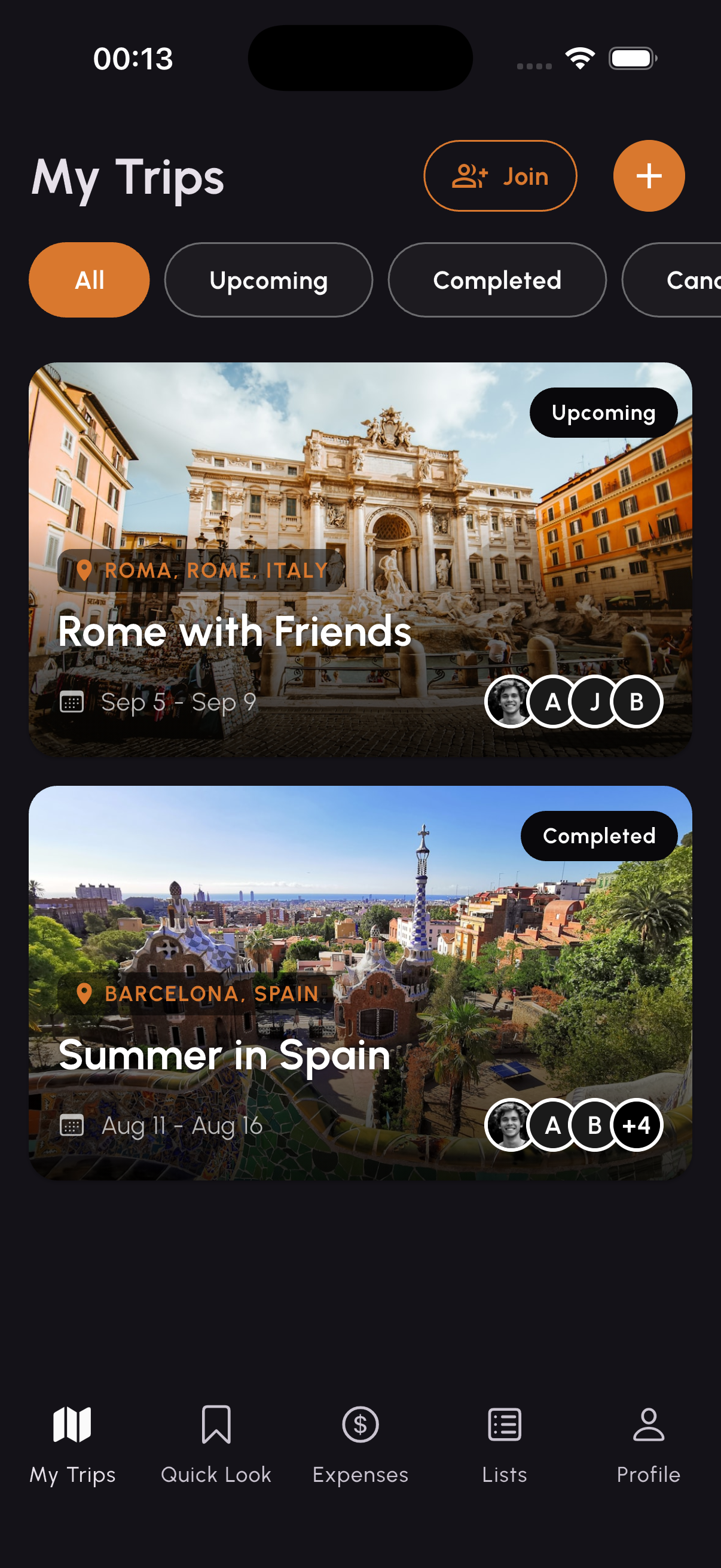
Create a trip, add a destination and dates, then invite friends and family to join. Everyone sees the same up-to-date plan.
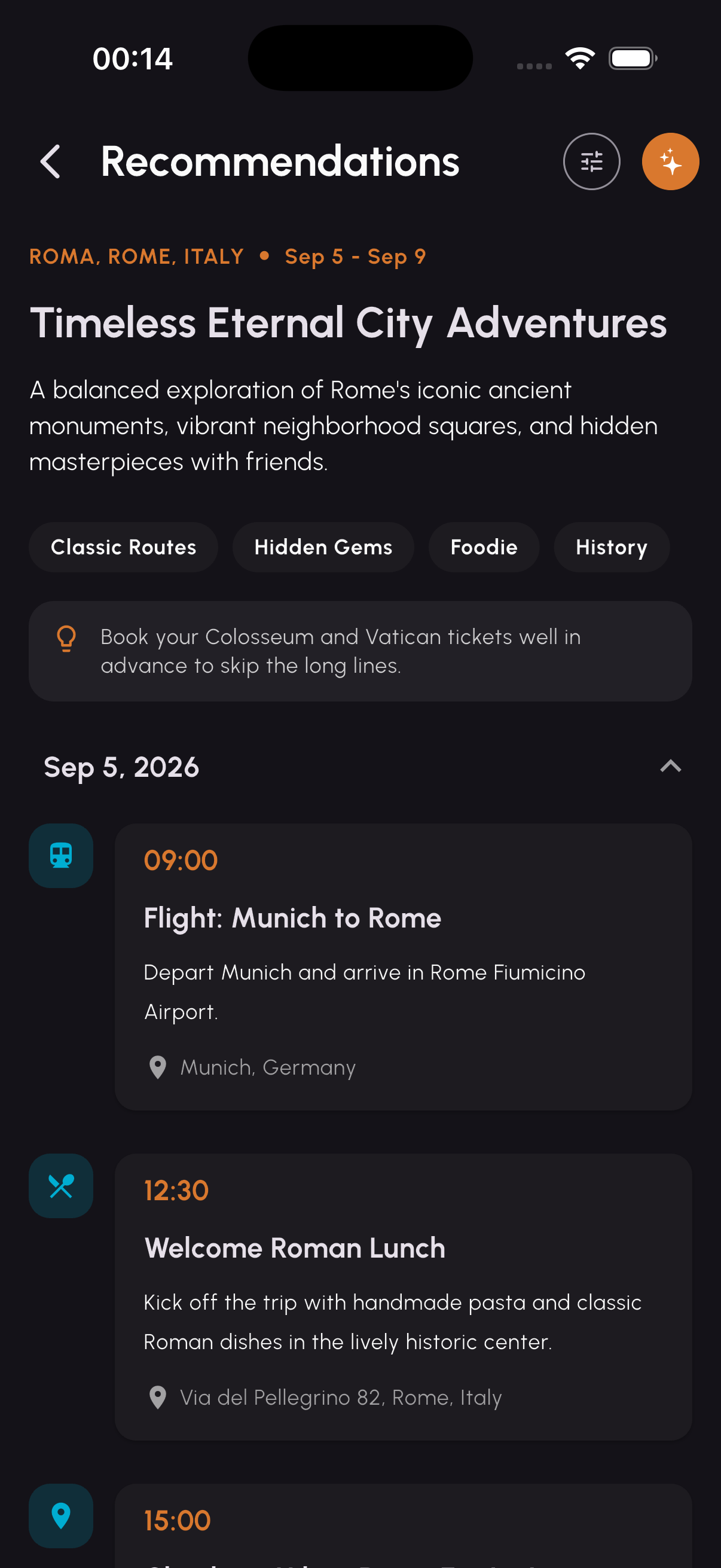
Add flights, meals, and activities to each day — or let the AI planner draft a full itinerary tailored to your group's pace and interests.
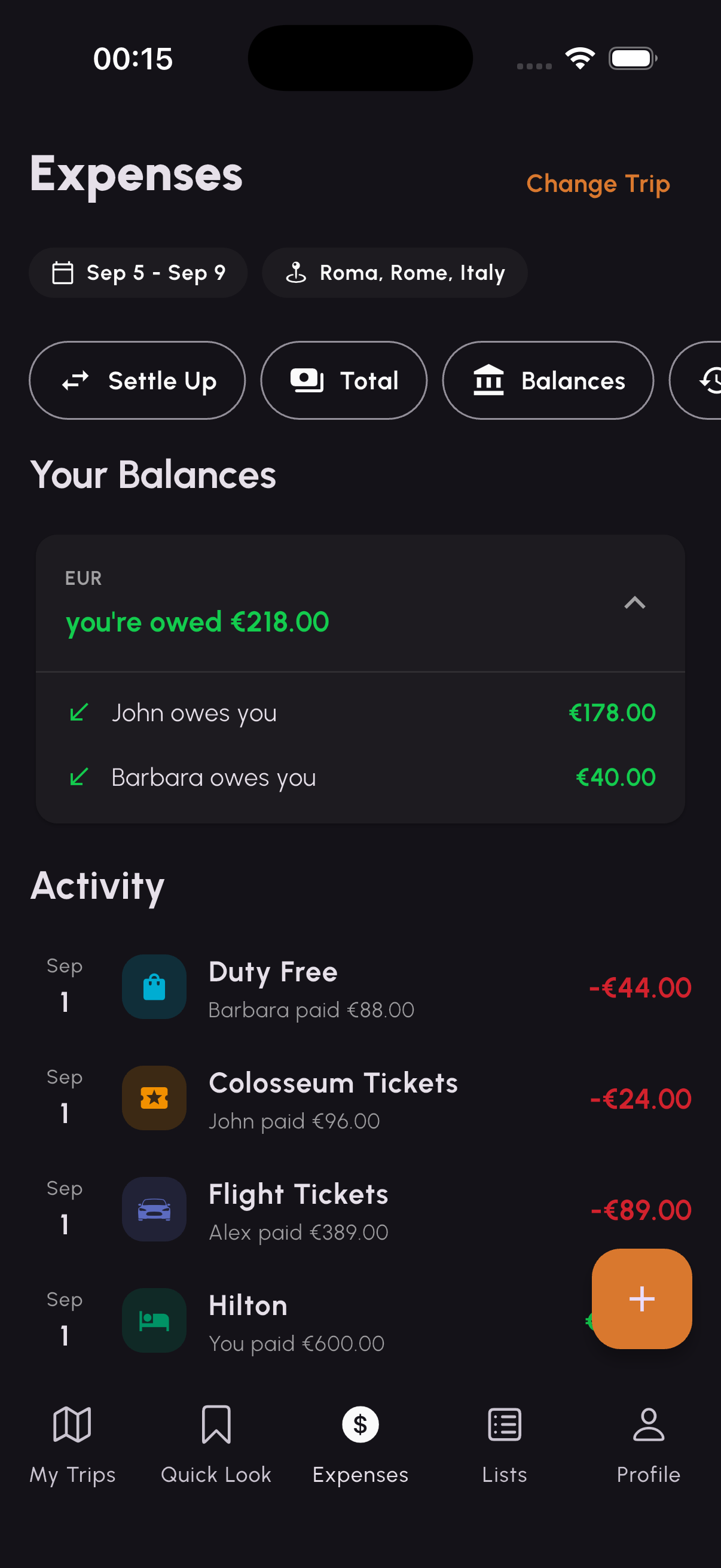
Log who paid for what, split costs equally or with custom amounts, and Tripz keeps a running balance so you always know who owes whom.
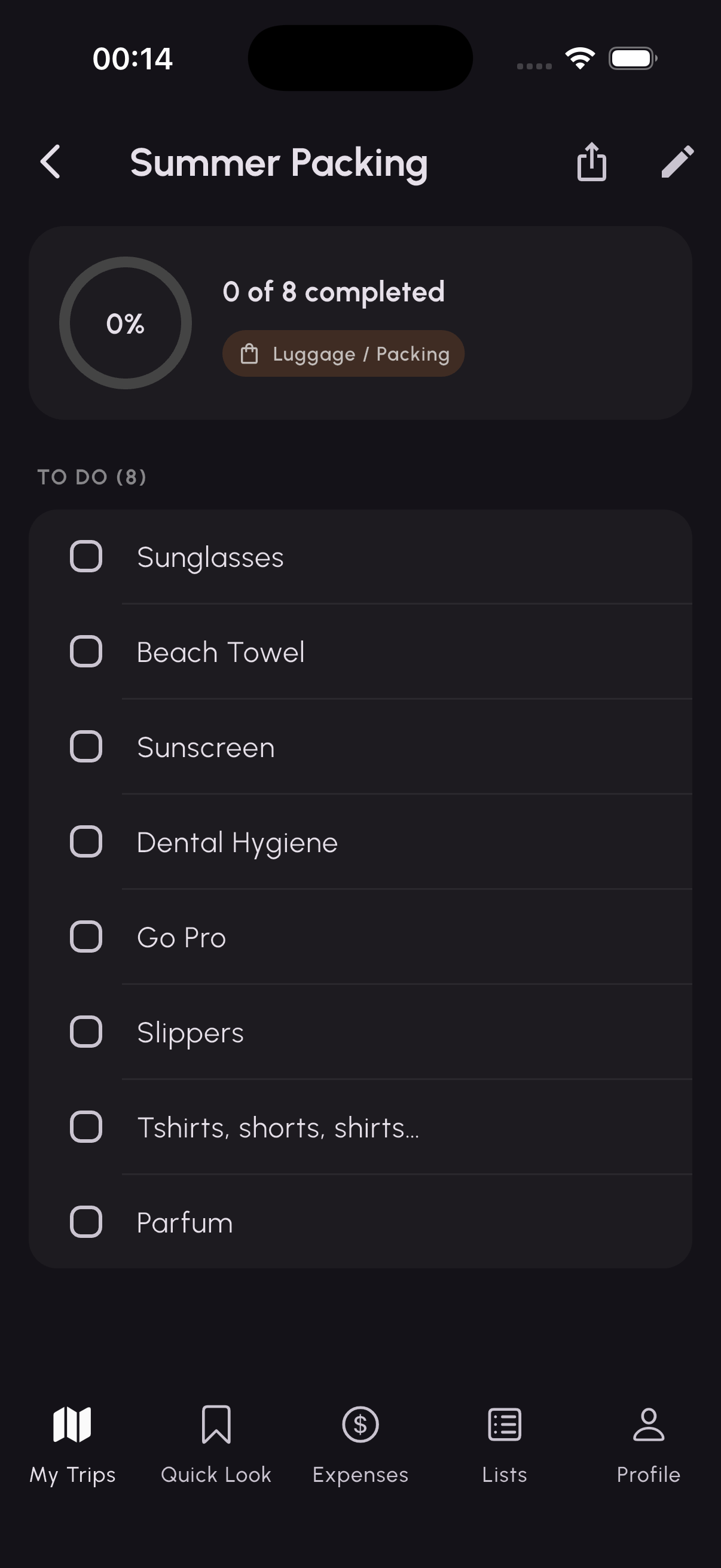
Create checklists for packing, shopping, or anything else, check items off as you go, and share them with everyone on the trip.
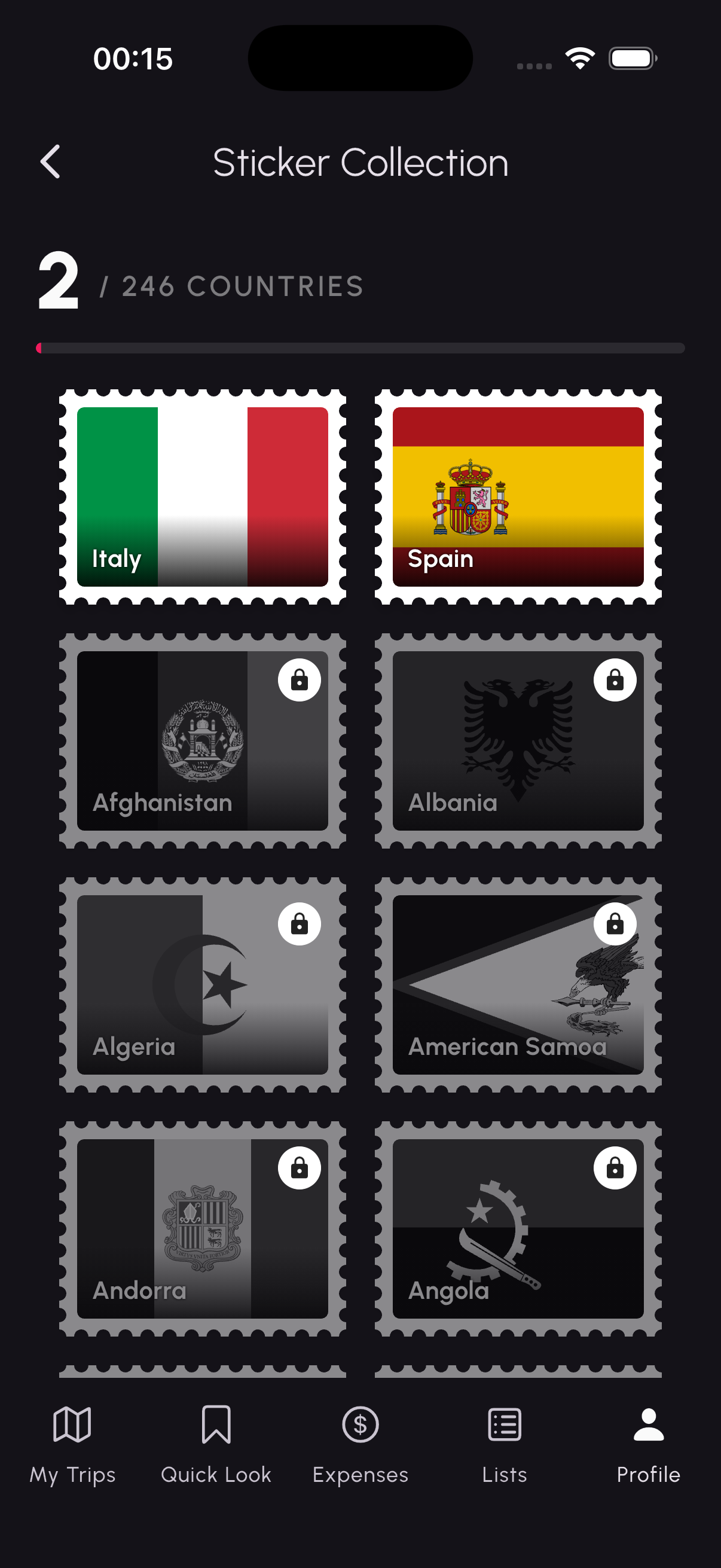
Every trip unlocks a collectible stamp for the country you visited. Fill your passport as you travel the world.
Answers to the things people ask most.
Open the My Trips tab and tap the + button in the top right. Add your destination, dates, and a cover photo, then add collaborators. You can invite friends by sharing the trip's invite link, and they can also tap Join on their My Trips screen to request access.
If a friend shared an invite link, opening it in the app will let you request to join. You can also tap Join at the top of the My Trips screen. The trip organizer approves join requests before you're added.
Inside a trip, open the Itinerary tab and tap the AI button. Choose how busy you want each day to be (Light, Balanced, or Packed) and select up to four travel preferences such as Food & Drinks, Hidden Gems, or Culture & History. Tripz generates a day-by-day plan you can review and add to your trip.
In the Expenses tab, add an expense with the amount, who paid, and how it should be split (equally or custom amounts). Tripz automatically updates each person's balance and simplifies the group's debts so you can see who owes whom with the fewest payments. When someone pays their share, use Settle Up to record it.
Balances support multiple currencies, so expenses in different currencies stay separated.
Quick Look is your travel-document hub. Store flights (with airport lookup), hotels, dining reservations, transportation, notes, and any other documents or files. You can keep an item private to yourself or share it with the whole trip.
Your Sticker Collection lives under the Profile tab. As you add and take trips, the country you visited unlocks its collectible stamp automatically. There are 246 countries to collect.
You can sign in with email and password, Google, or Apple. If you started using the app without an account, you can link one later from your profile so your trips are saved to your account.
Yes — Tripz is available for both iPhone and Android. If you run into a platform-specific issue, let us know your device and OS version so we can help faster.
Managing your profile, notifications, and your data.
Go to the Profile tab to update your name, photo, and account details.
Control push notifications for invites, new documents, albums, and lists under Profile → Notification settings.
Open Profile → Manage account and choose Delete account. This permanently removes your account and personal data.
To delete your account and associated data, open the app and go to Profile → Manage account → Delete account, then confirm. Your profile and personal data are removed. Shared trip content you created may remain visible to other members of a shared trip. If you can't access the app and would like your data deleted, email us at meliksahcakirr@gmail.com and we'll take care of it.